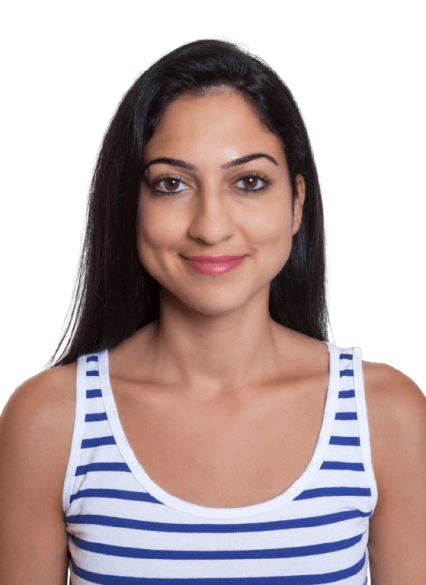
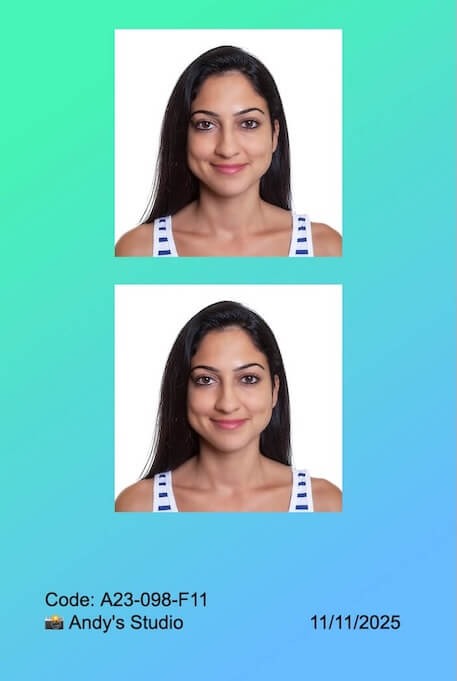
See what people are saying about Passport Photo Lab
“I have now used the Passport Photo Lab service twice, first for an ID card and later for a new passport, and both worked flawlessly. The instructions were good, and making the passport photo was easy and affordable compared to a photo studio. I took the photos with an iPhone, and even the clerk praised how good the photo was. Nothing else to say but thank you.”
“This was the most challenging part for me, until I realized that it is easiest to do on the [passportphotolab.com] website. You just upload the photo to the service and position the photo in the right place.”
Forget about installing apps or software. Passport Photo Lab works instantly in your browser, on any device.
20–35px
130–145px
#cccccc
200px
200px
US Passport
Works on Windows, Android, and Apple devices.
Your data stays on your device.
Always the latest version.
No updates to chase.
Pixel-perfect results.
Zero "my photo got rejected" complaints.
Local Editing & Privacy
Your face, your business.
Unlike many other tools, we don't upload your photos to a server. All editing happens right on your device, so your personal data stays personal.
Local, in-browser editing.
Your data stays on your device unless you choose to share it.
Passport Photo Standards
You already know "no smiling" — we handle the rest
We track the ID photo specifications, so you don't have to. Passport Photo Lab remembers the requirements for a [insert country] visa photo, and links to the official rules when you want to double-check.
The fastest background swap you've ever done (no paper rolls harmed)
White, light blue, 18% gray, a slightly different gray... every ID authority wants something different. Instead of juggling backdrops, just click to swap your background.
* For best results, use an original background that’s near-solid and similar in color to your desired final background around the subject’s edges.
One-click background replacement.
ID spec specific backdrop colors instantly.
Automatic masking.
The subject stays 100% original for full compliance.
Remove background shadows and imperfections.
No backdrop lights necessary.
Export & Print
Digital or print? You get both.
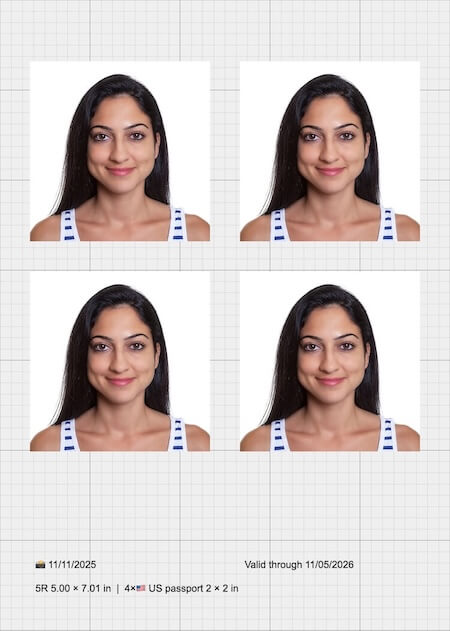
Get a perfectly sized digital photo for online applications, or a printable template for home printers and printing services.
Export crisp image files
for digital submissions.
Create print-ready JPGs and PDFs
with metadata that ensures the photos print at the correct physical size.
Works with any printer.
No special drivers or brand lock-in.
Layout builder for multi-photo sheets
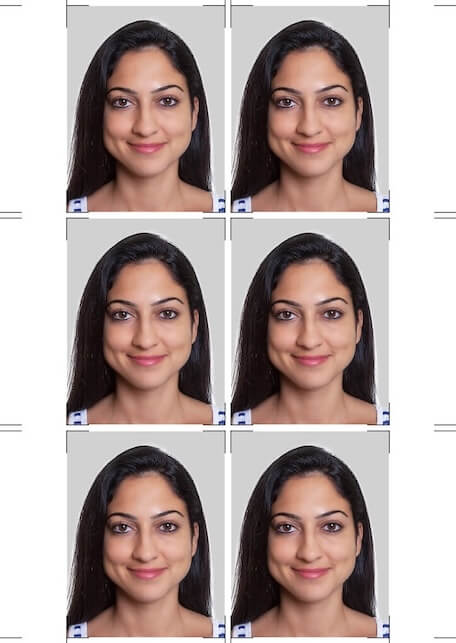
with custom graphics and text, and cut guides.
Pricing
Choose the right plan for you
Pay once to unlock everything for as long as you need. No accounts, no renewals.
One-time
$5.99 for 7 days
Incl. VAT. One-time payment.
Use the full power of Passport Photo Lab. No registration, no subscriptions, no photos leaving your device.
One-time payment, no auto-renewal
Unlimited edited photos during your license period
Passport Photo Lab began as part of a passport photo price comparison site I built, epassikuva.fi. I wanted to create a modern and easy-to-use editor specifically for cropping Finnish passport photos. The idea came from a very practical wish: as an engineer and photography hobbyist, I wanted to take my own passport photo. It didn't take long to realize that professionals were looking for a tool like this as well.
I believe that a good application should do one thing and do it well*. Passport Photo Lab has been developed with this principle in mind since 2016, and the work continues. The software has been used to edit at least tens of thousands of photos*, and over the years it has become a trusted tool for many professionals.
My earlier work, including projects such as a point-of-sale system and software used by large insurance companies, taught me that privacy is not an add-on but a starting point. That is why Passport Photo Lab was designed from day one so that photos are never sent away from the user's device for editing or for any other purpose. The algorithms needed for editing photos are delivered to the user's computer, not the other way around. Why don't all editors work this way? The downside for us is that the algorithms must function reliably on as many devices and browsers as possible, which is not always straightforward. In short, our approach is better for you and harder for us, and that is why not everyone chooses it.
I read every message that comes in, and I personally reply to most of them. If you have any questions or feedback, feel free to get in touch. I usually respond within a day.
Are you tired of unflattering passport photos? You’re not alone. Most people dread their passport photo because the strict regulations seem to strip away personality and flattering angles. However, I can tell you that you still have control. Drawing…
Save money and get better results by taking your passport photos at home. In this guide, you’ll learn exactly how to take passport, visa, or ID photos at home without any studio equipment. While you likely know the basics—neutral expression, facing…
Mikko Haapanen
Founder & Developer
Global Coverage
Supported photo standards
We support 366 passport, visa, and other ID photo specifications for 110 countries out of the box. If we don't have the specification you need, no worries! You can easily edit the existing ones or create a new custom standard to fit your needs.